Release
BS19 1.1.0 is out.
The full framework is public on GitHub. Put it on your server with the txAdmin recipe, or grab the files from the Releases page.
txAdmin recipe URL
https://raw.githubusercontent.com/Arcainex/bs19/main/recipe.yaml Install in a few steps
- Open txAdmin and start a new server setup.
- Choose Remote URL Template.
- Paste the recipe URL above and follow the wizard.
This is a beta. Report bugs on the Discord.
What's new in 1.1.0 → · CHANGELOG · How to update
Video tutorial: install BS19 step by step

Optional: install The Apocalypse Project
BS19 runs fine on the normal map. For the post-apocalyptic look, add The Apocalypse Project, the free companion map. It's a separate download, not part of the BS19 recipe (txAdmin can't run a second recipe on the same server): get the zip from bs19.org/map, extract it into resources/[map], add ensure [the_apocalypse_project] to server.cfg and restart.
Get the map →In game
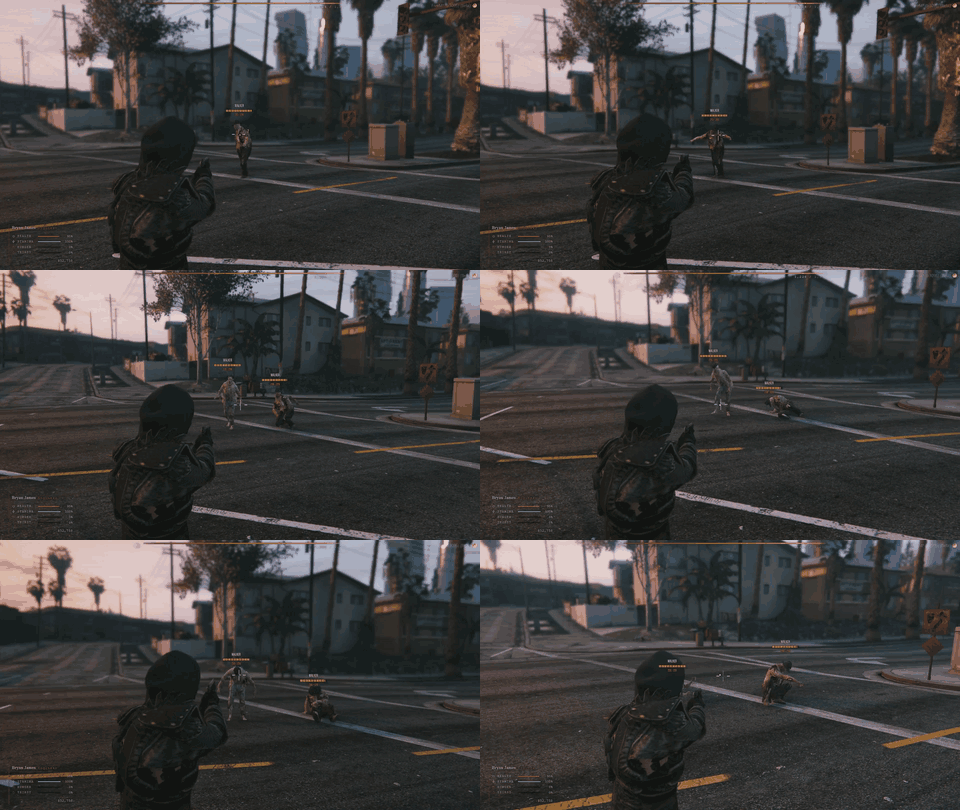
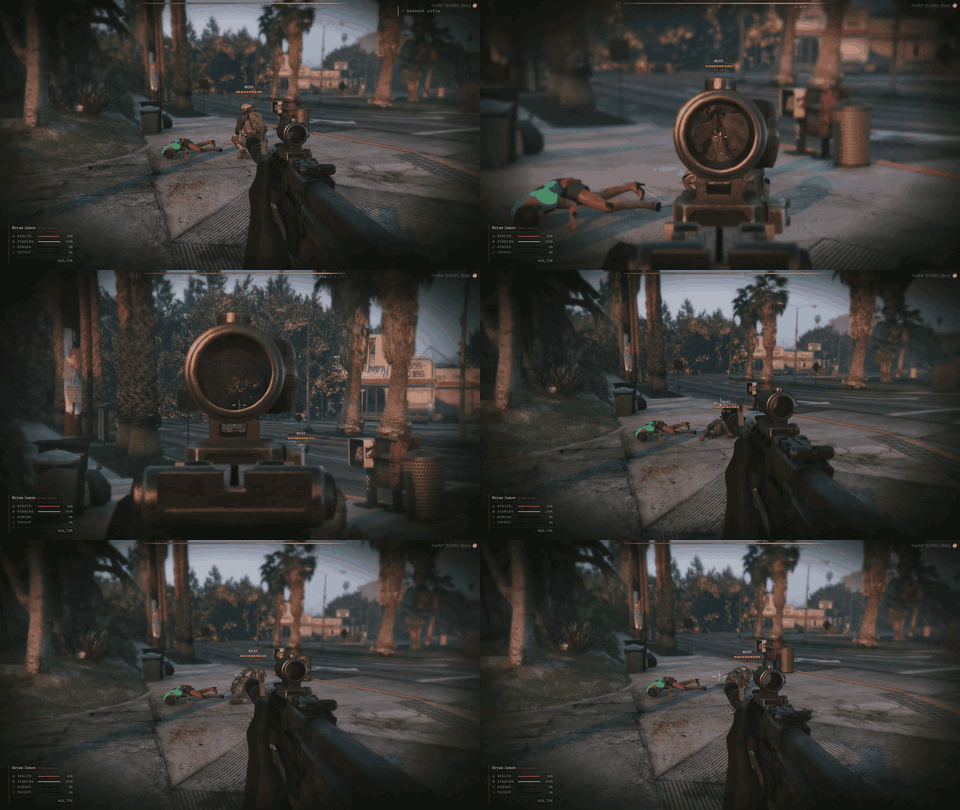
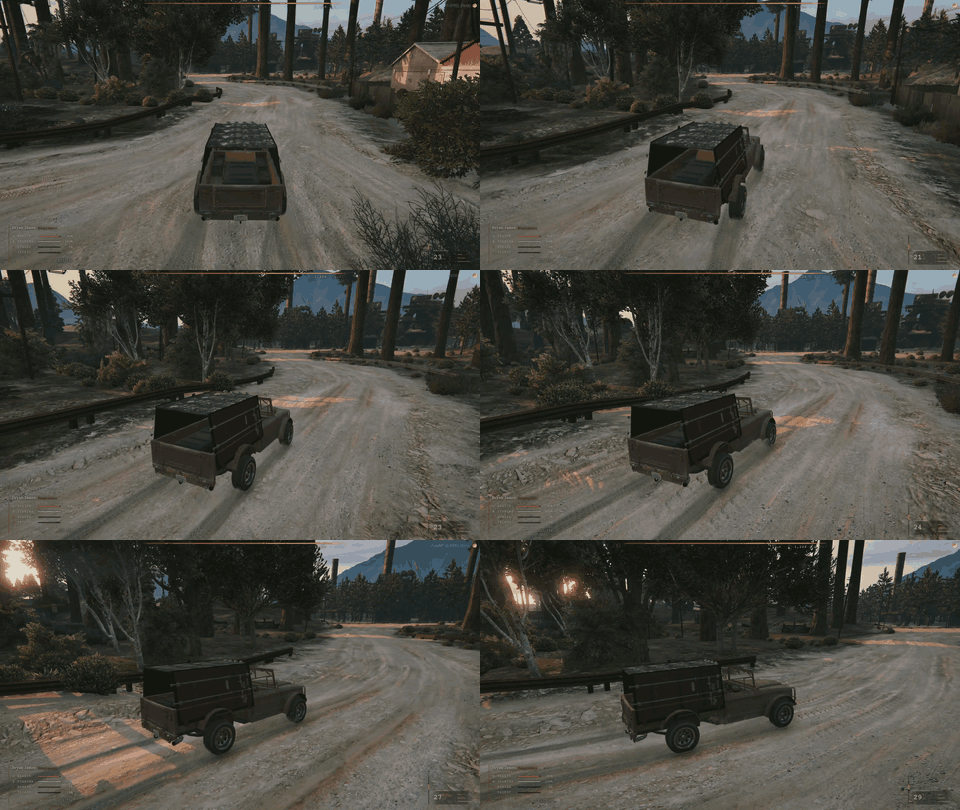
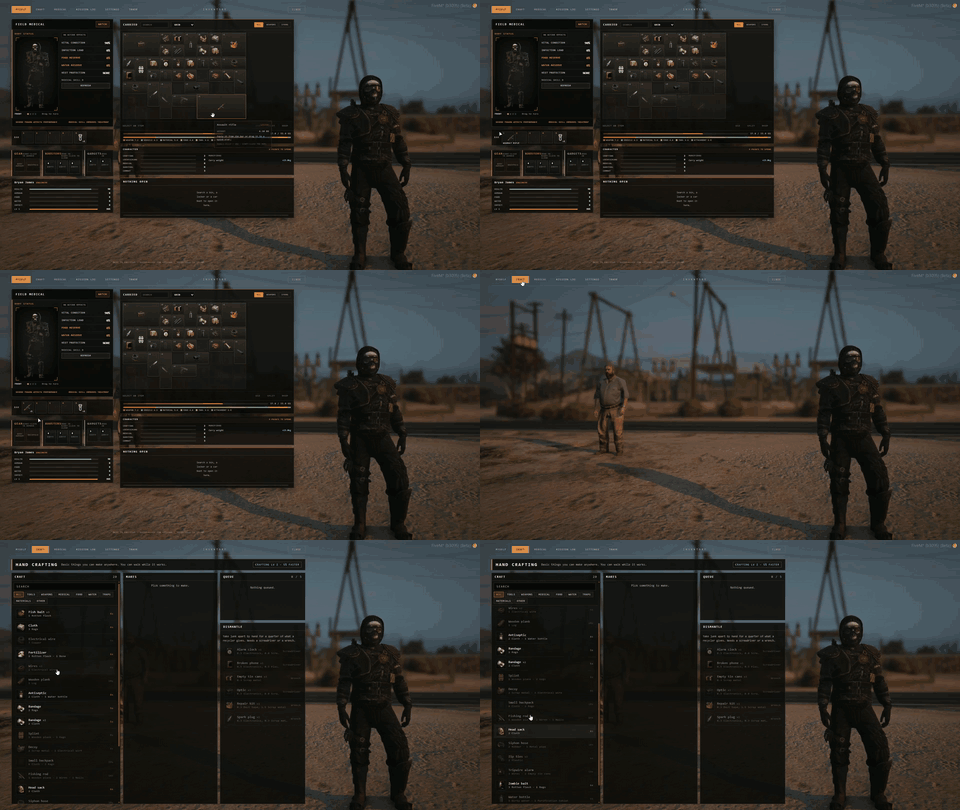
Moving footage from the live build.