
Build a survivor base
Start with a small shelter you can finish. A foundation, walls, a doorway and a roof make a better first test than a sprawling base with missing supports.
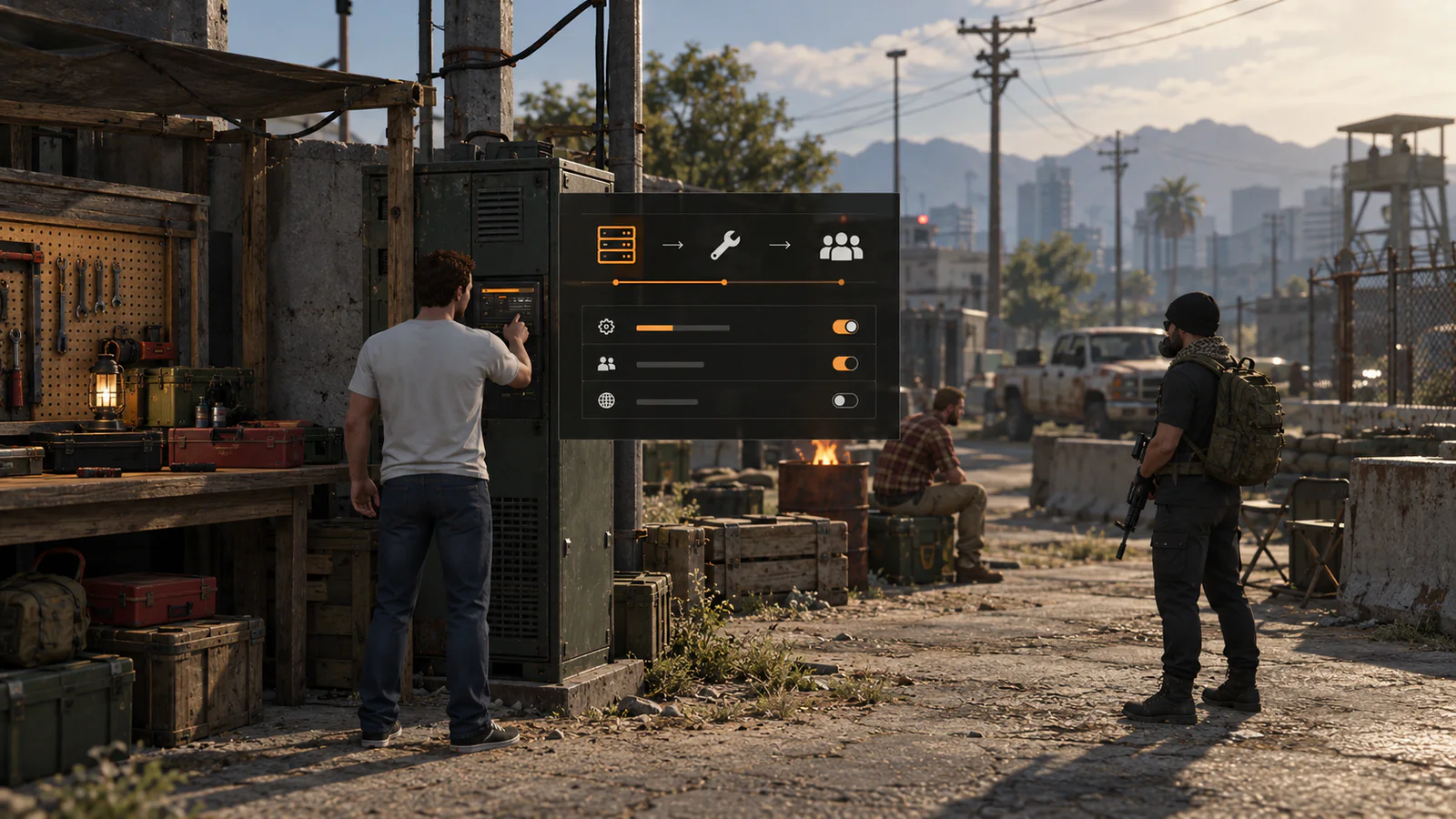
Host BeyondSurvival with 24Racks.
Need a computer that keeps your server online while your own PC is off? That is what a VPS does. 24Racks is our official hosting partner and a recommended place to start.
Choose the site
Walk around the area before spending materials. Leave room for a doorway and a way out. Test foundations on uneven ground before building upward. A piece that looks close to another piece may still lack support.
Open the building tools
F2 opens the building wheel. The F5 menu also has a Build shortcut for the building bar. Select a piece, inspect its preview and material cost, then move the placement preview into position. The preview tells you when a spot is valid.
Build in a sensible order
Lay the foundation, connect the walls and doorway, then add the floor or roof that the structure needs. Smaller pieces can be placed directly; larger projects may ask you to bring materials to a blueprint. Doors, locks and storage are easier to test once the shell is stable.
Check the result
Leave the area, return and reconnect. Make sure pieces stay in place, doors still work and other players see the same structure. If a piece is floating or fails to snap, record its name and location before reporting it.
Continue from here
Check what your server needs, follow the step-by-step installation page, or ask for help in the BeyondSurvival Discord. Test changes on a private copy before using them on a live community.